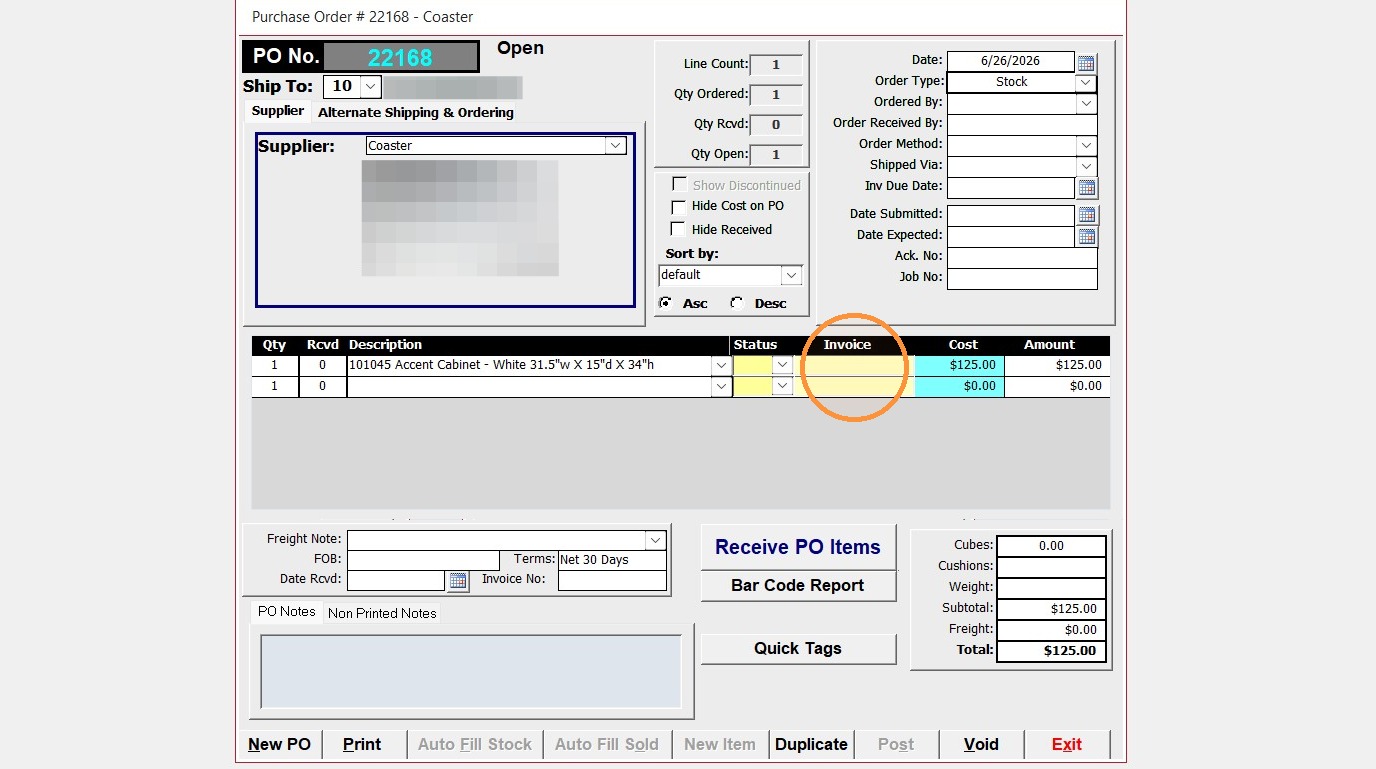
Follow this guide to learn how to quickly convert Special Order items on a Purchase Order to stock items in Furniture Wizard. This process ensures your inventory records are accurately updated with just a few clicks.
** Once the item has been converted to stock, you will need to re-process that item on the invoice. **
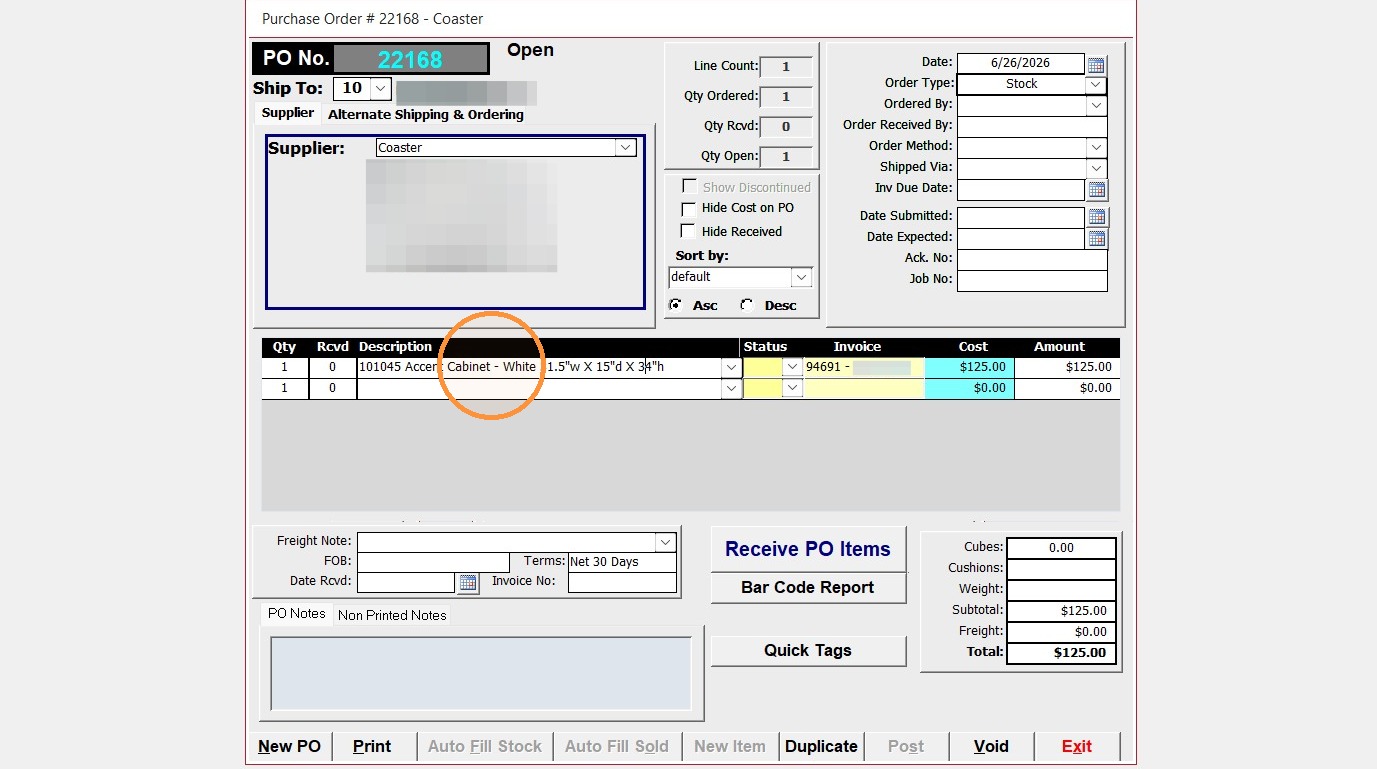
1. On a Special Item Purchase Order, select a line item to convert to stock and click on the Item description.
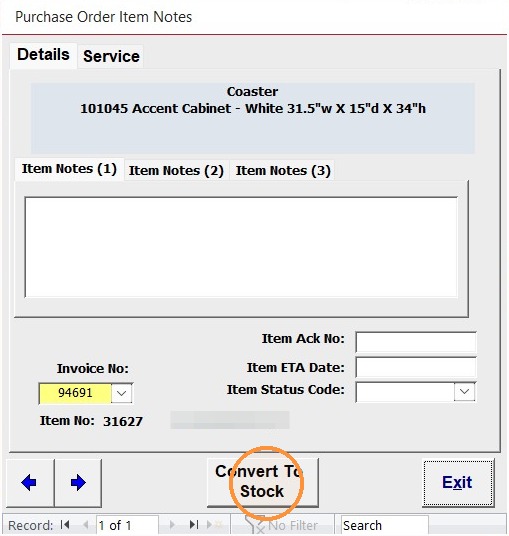
2. Click "Convert To Stock" on the Purchase Order Item Notes box
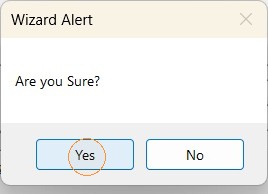
3. Click "Yes" on the Wizard Alert
4. Click "Exit" to close the Purchase Order Item Notes window.
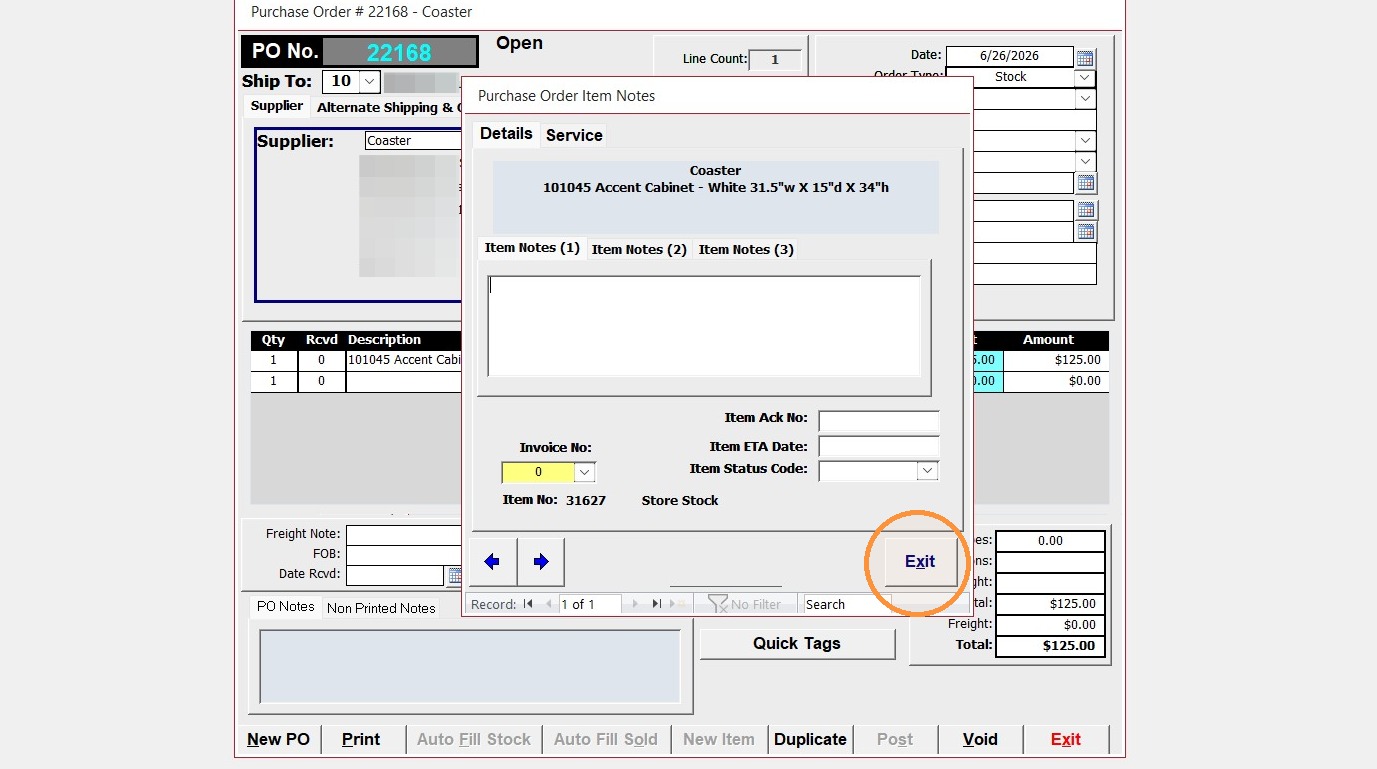
5. The Purchase Order has now been converted to a Stock Purchase Order