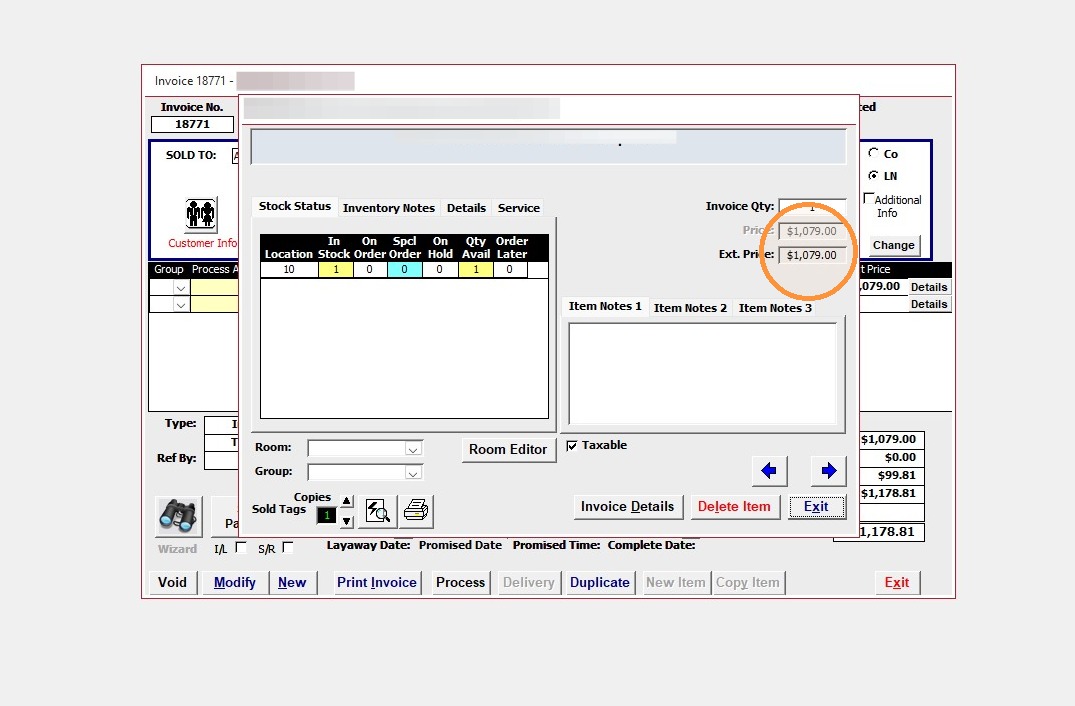
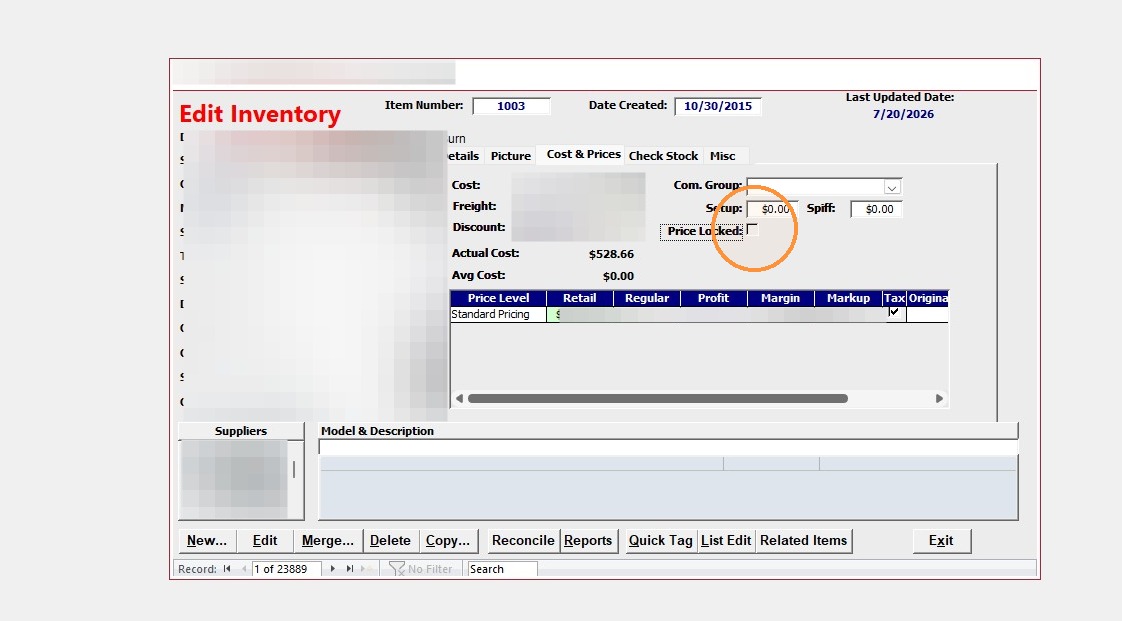
Individual inventory items can be price locked. This will lock the retail price, not allowing discounting of that item on an invoice.
Inventory Management
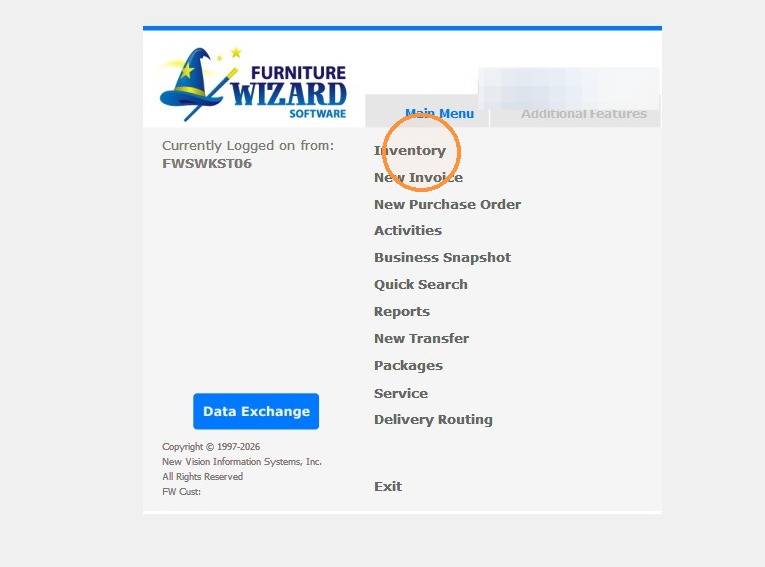
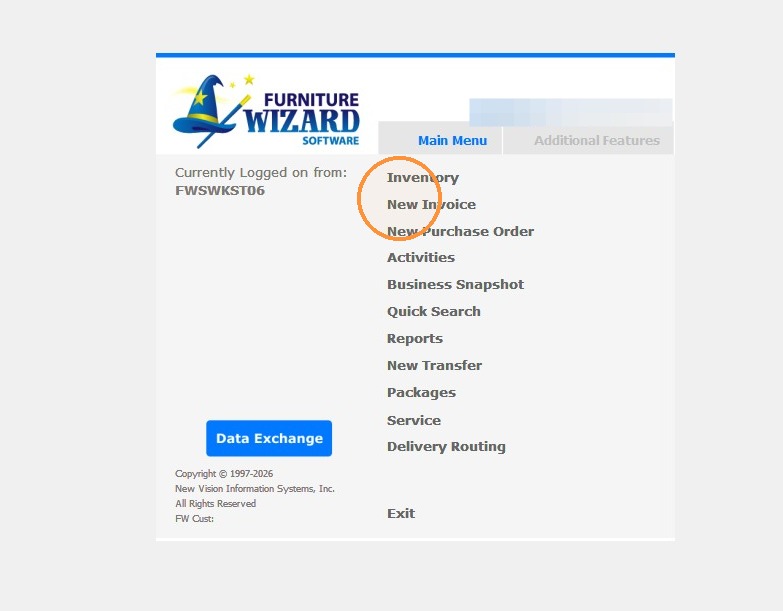
1. Click "Inventory"
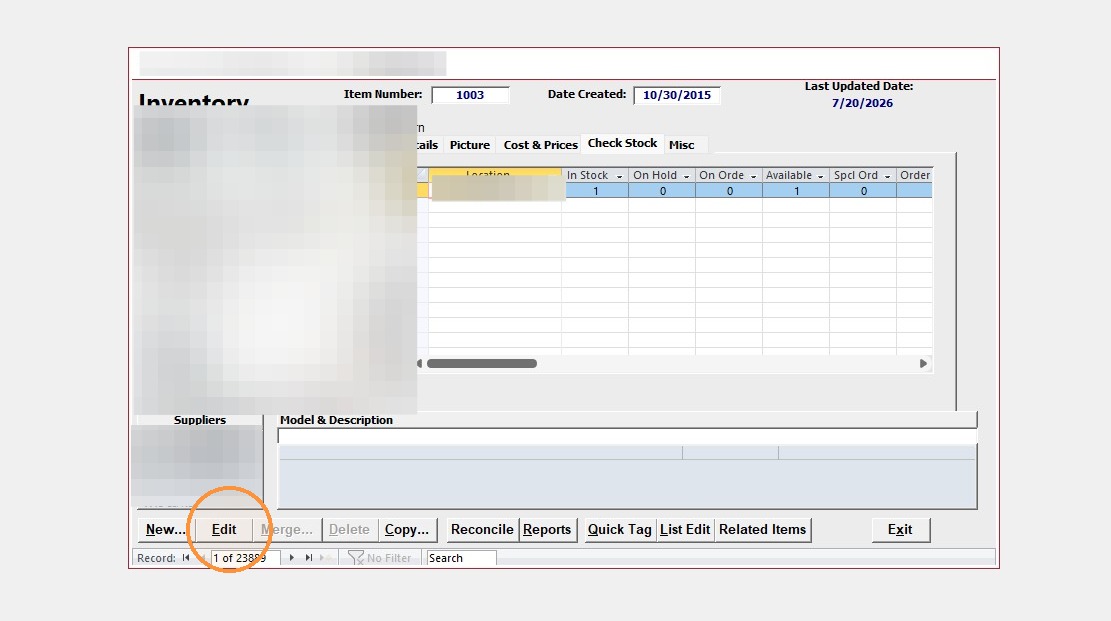
2. Click "Edit"
3. Select "Cost & Prices" tab
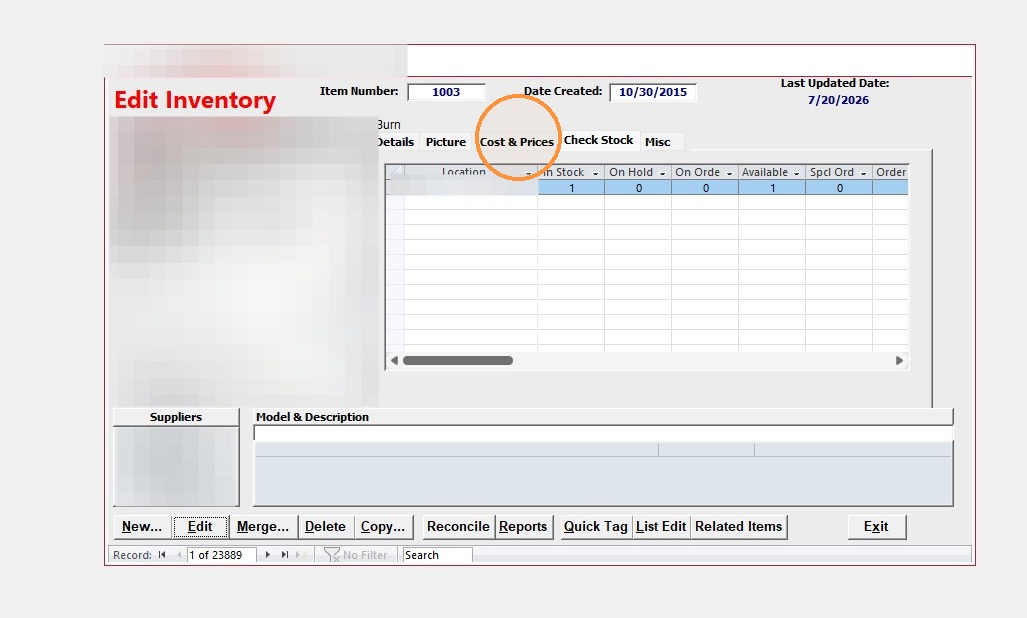
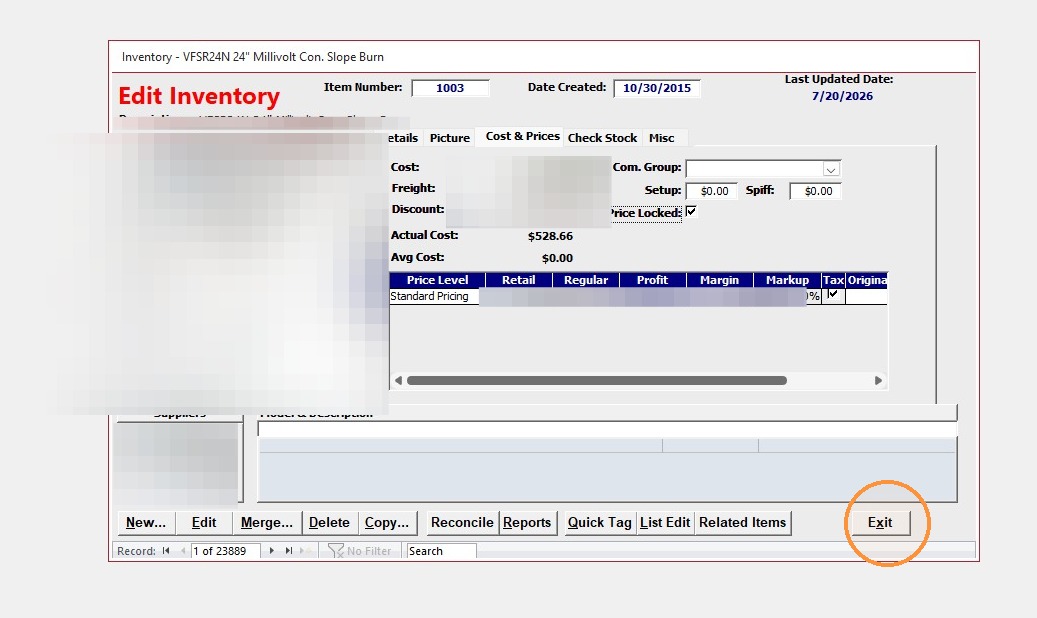
4. Check "Price Locked" checkbox
5. Click "Exit"
Invoice Creation
6. Click "New Invoice"
7. Click "Item Number"
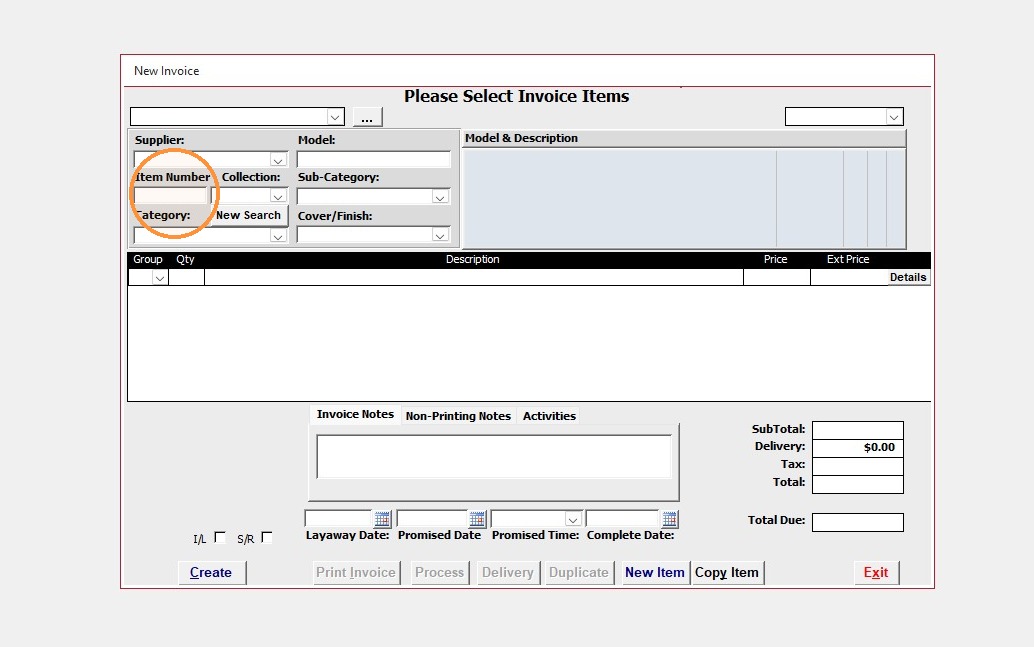
8. Double-click item from search results
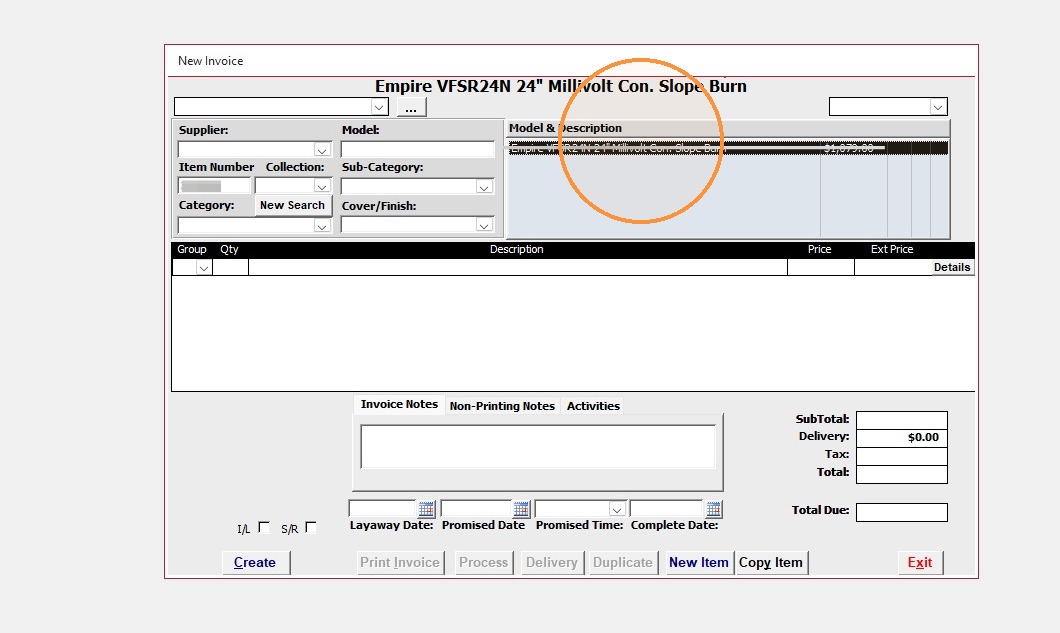
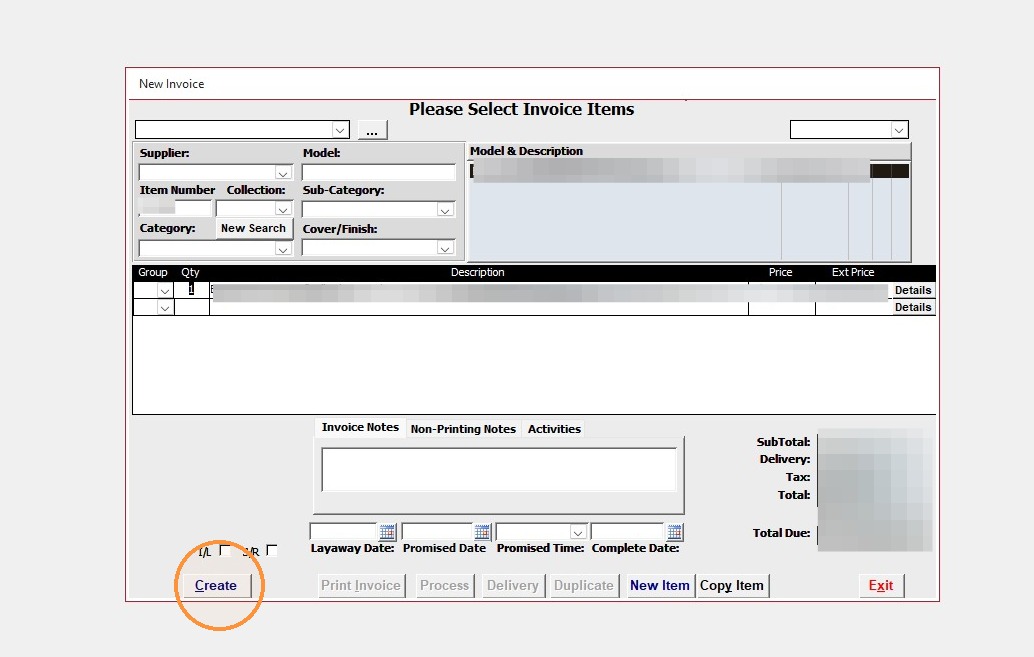
9. Click "Create"
Customer Selection
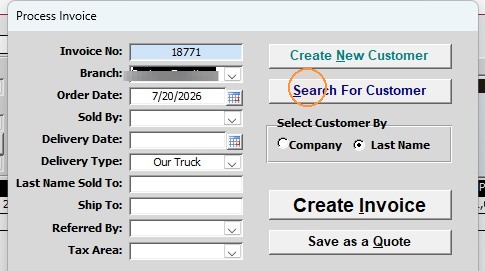
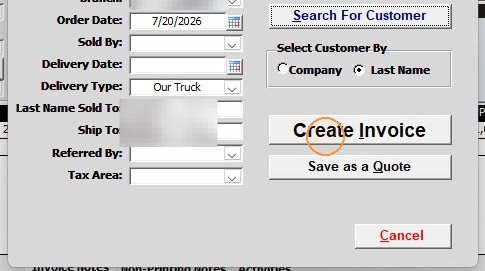
10. Click "Search For Customer"
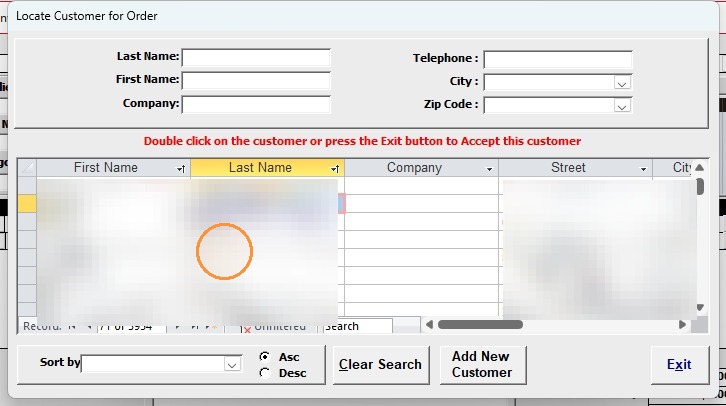
11. Double-click customer from list
12. Click "Create Invoice"
Invoice Finalization
13. Click Detail to see it greyed out.