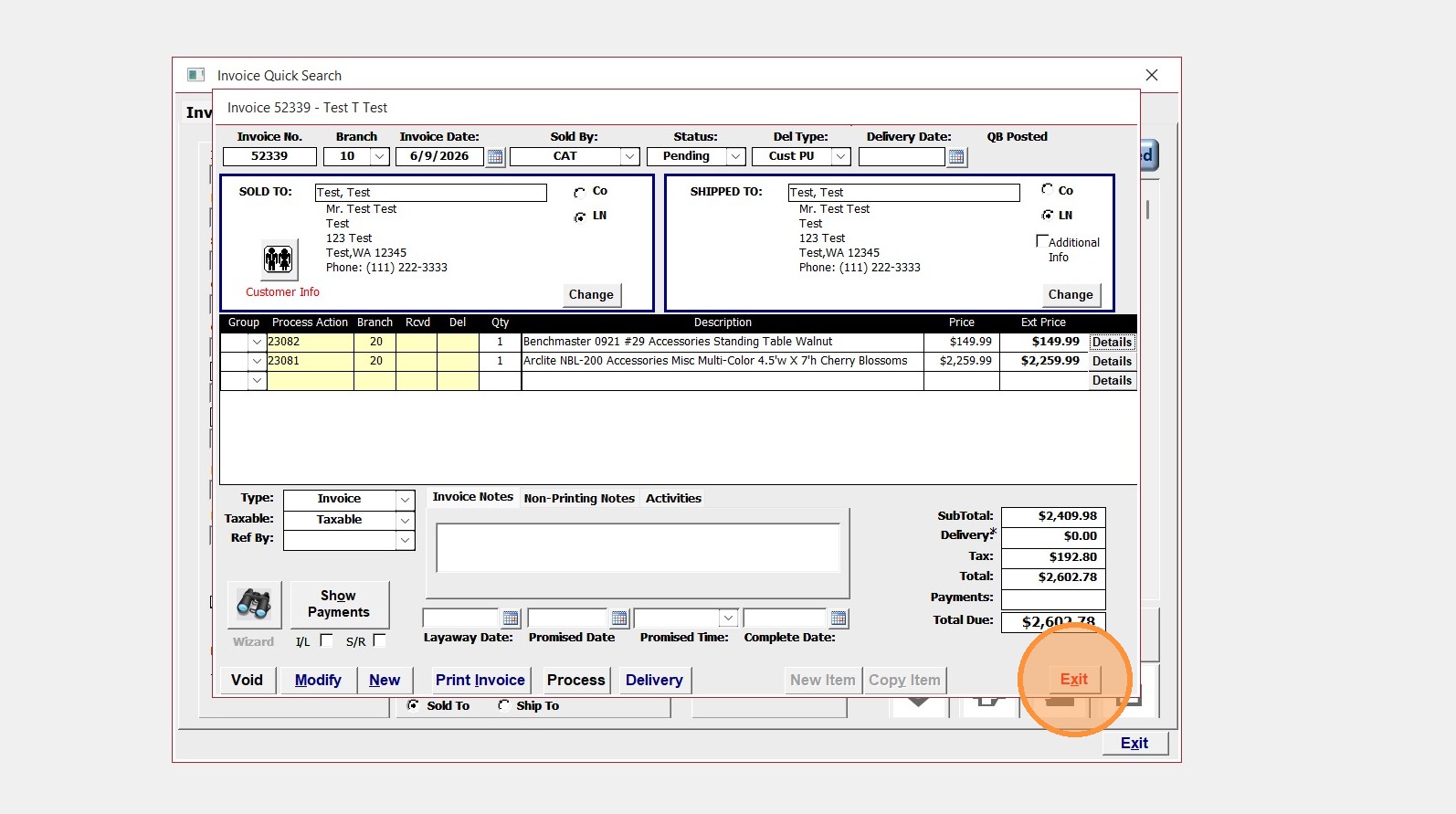
Learn how to efficiently locate specific invoice records using the quick search feature and remove items from an invoice.
Invoice Retrieval
Tip: First, locate the invoice by using Quick Search or by using CTRL + I, and enter the invoice number
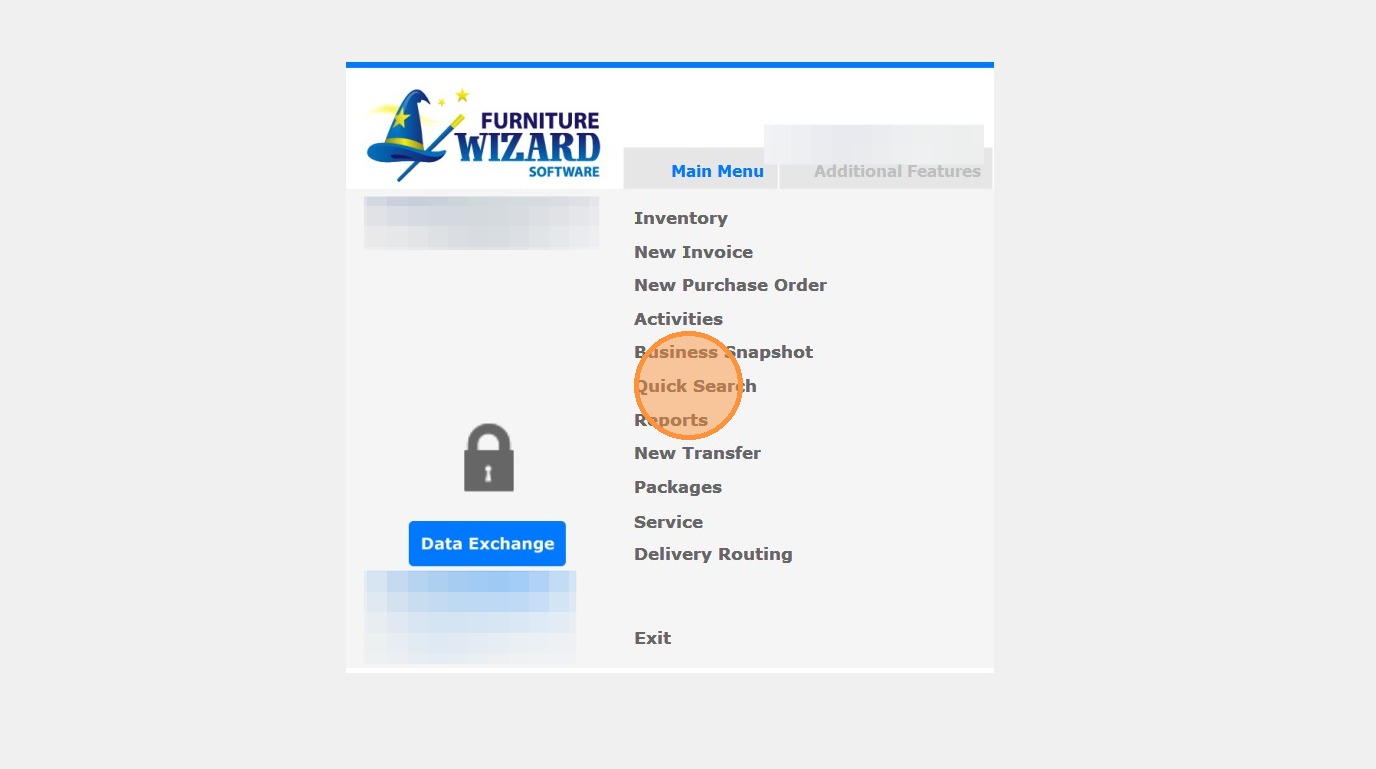
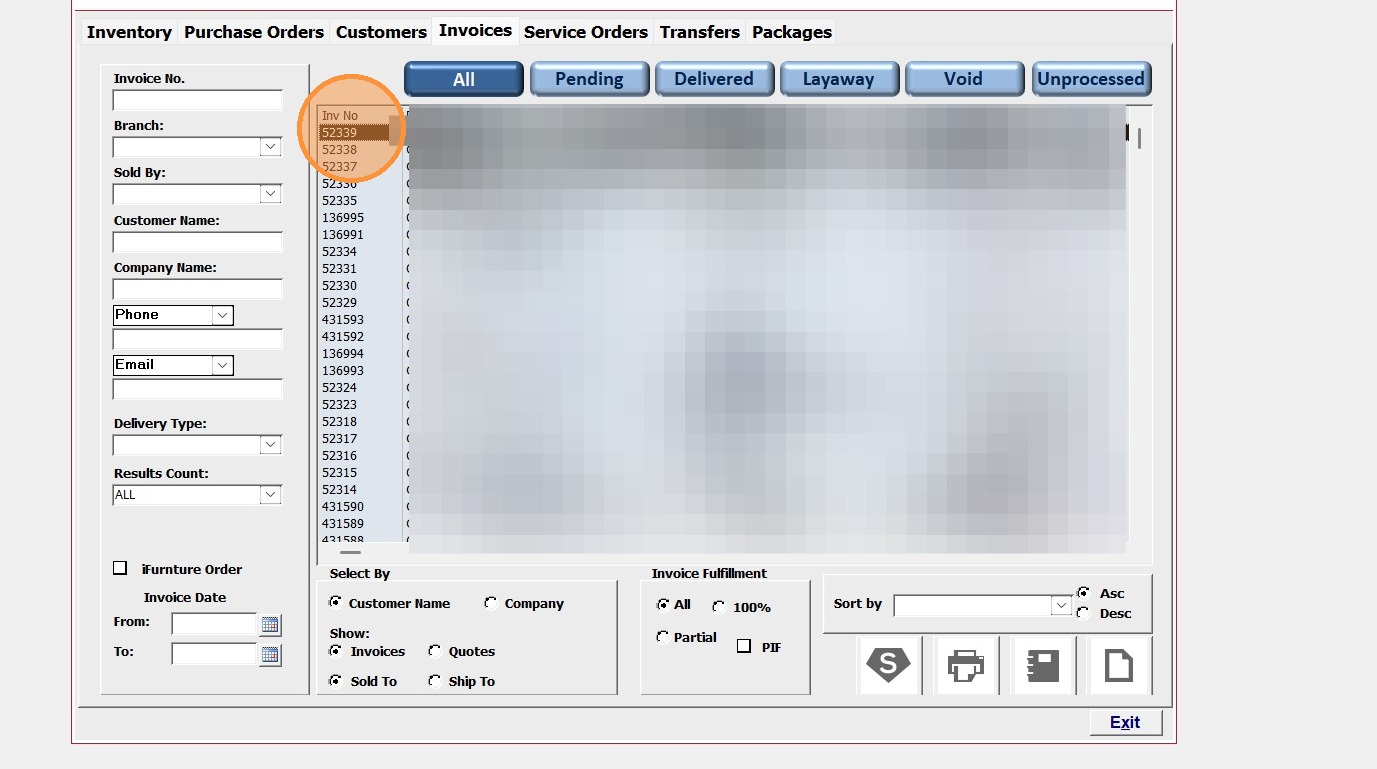
1. Click "Quick Search" from the main menu
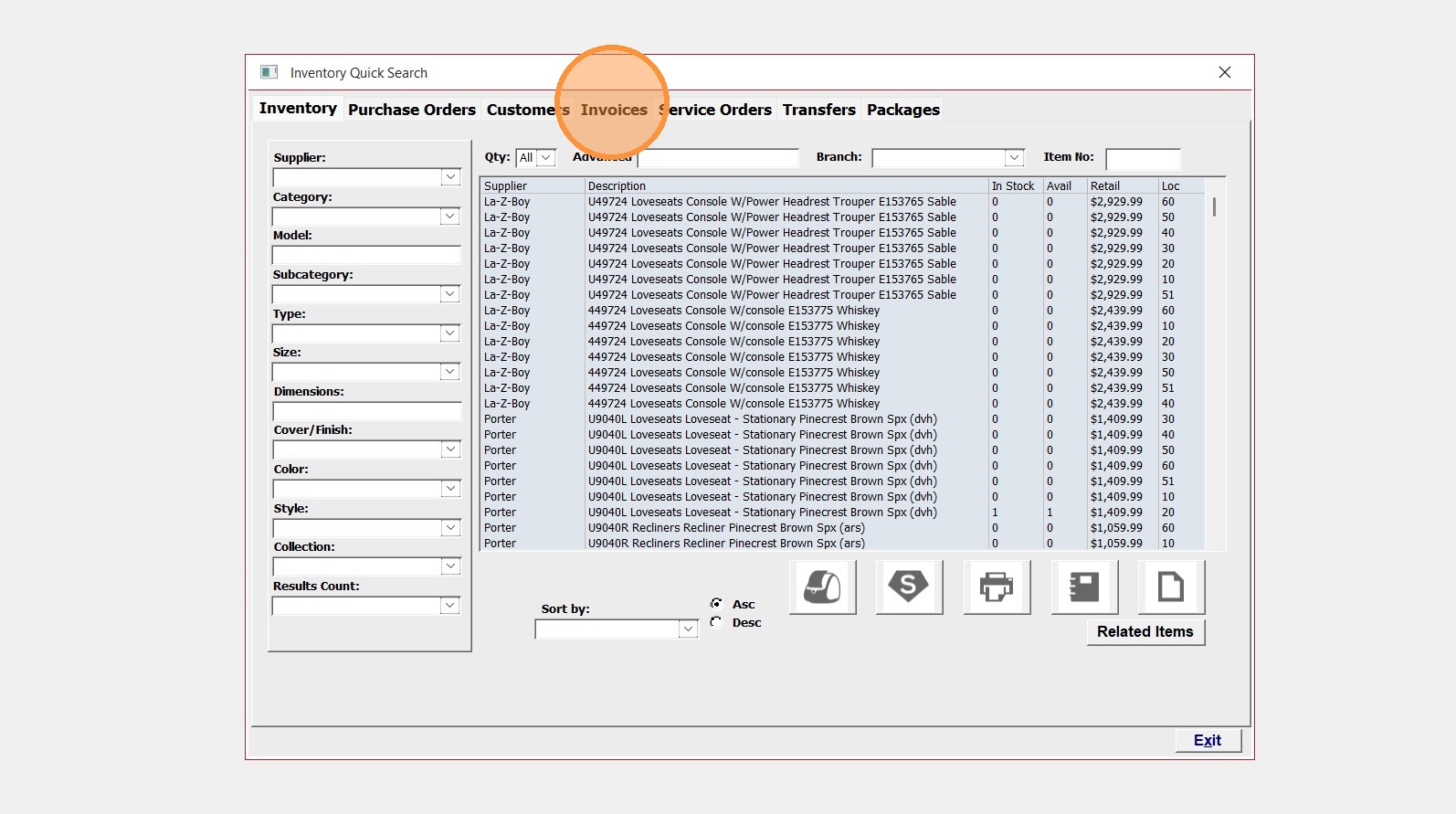
2. Select the "Invoices" tab
3. Enter the invoice number
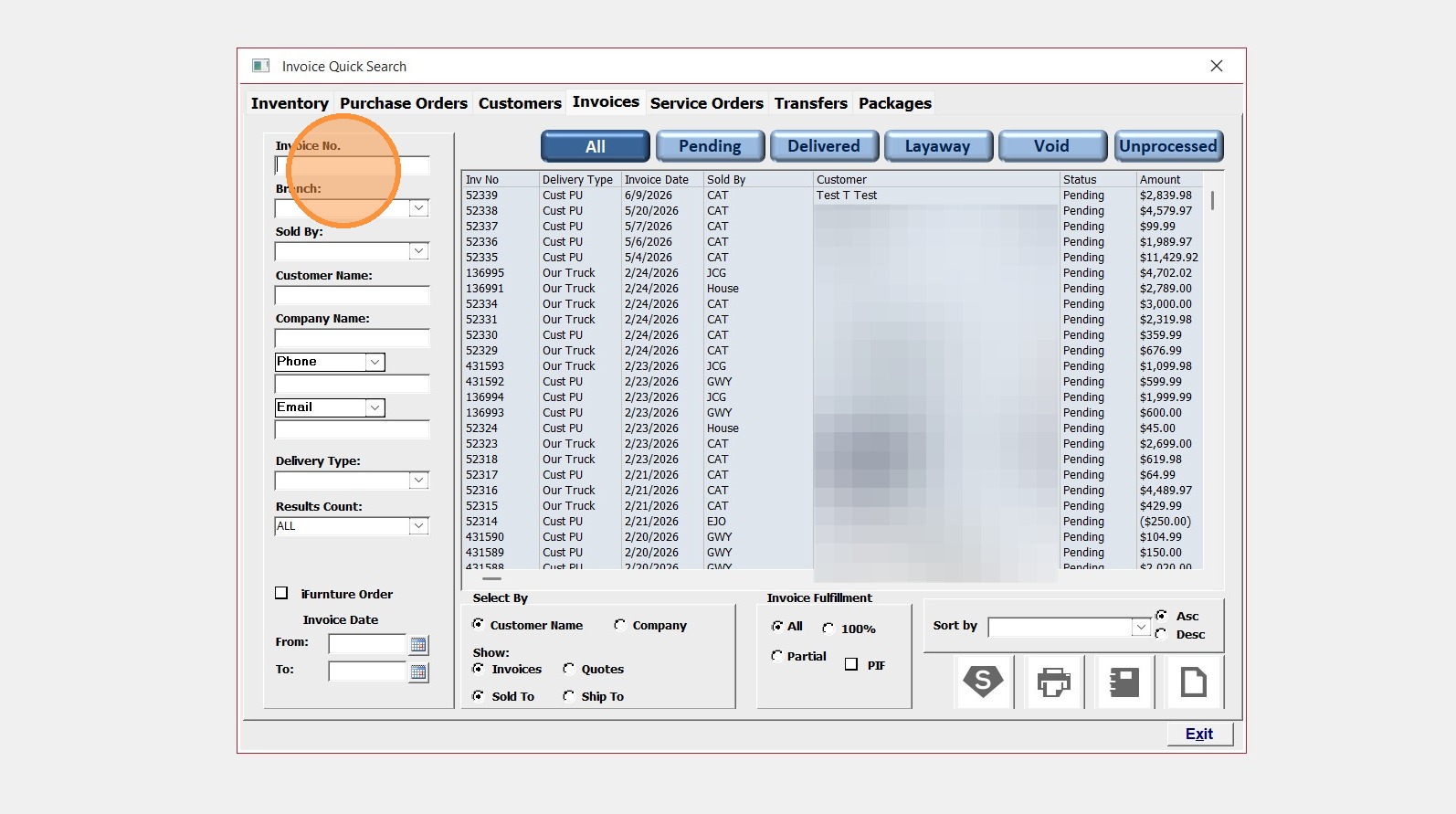
4. Select the invoice from the list
Removing an item from the invoice
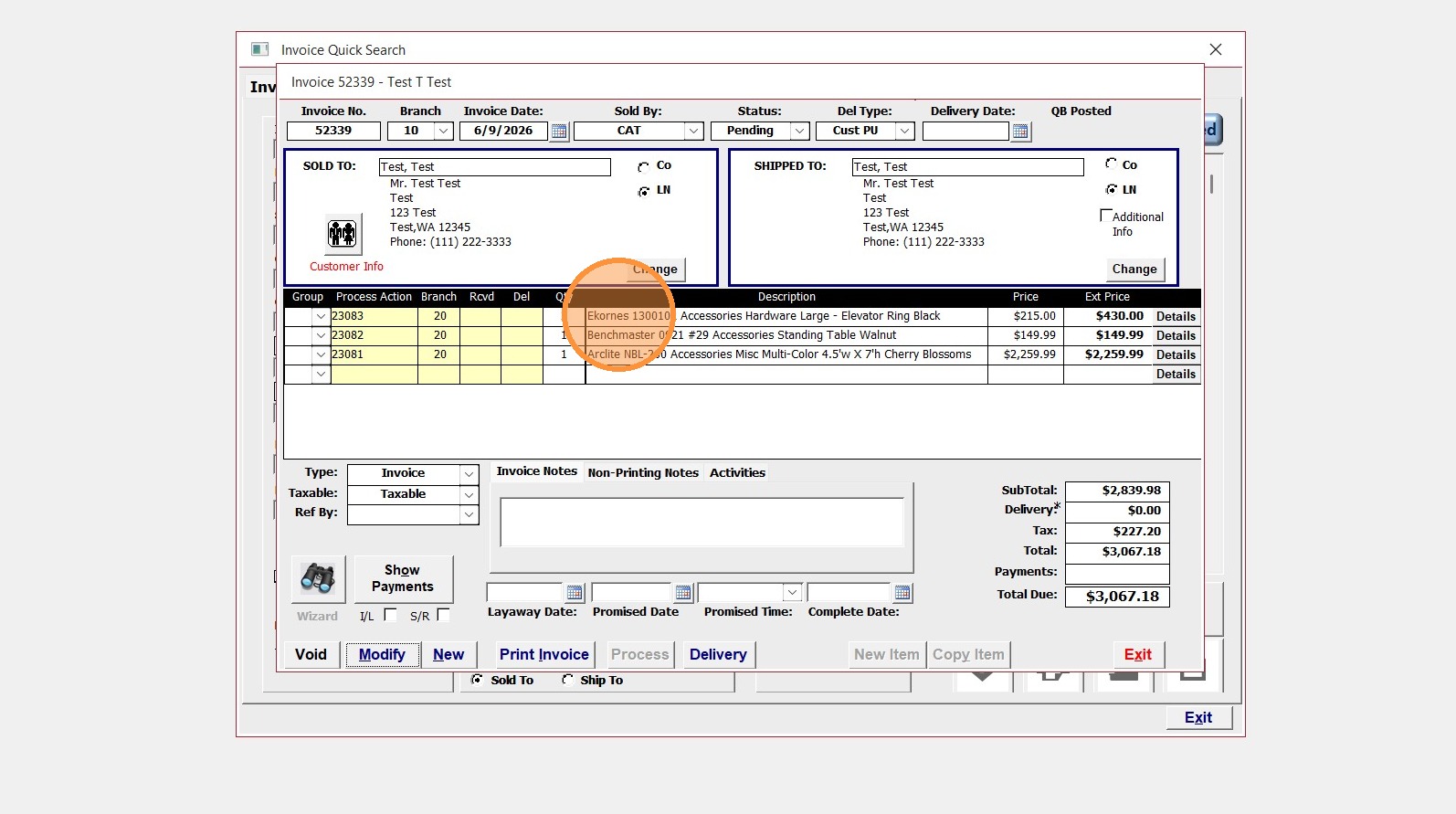
5. Locate the item and click details
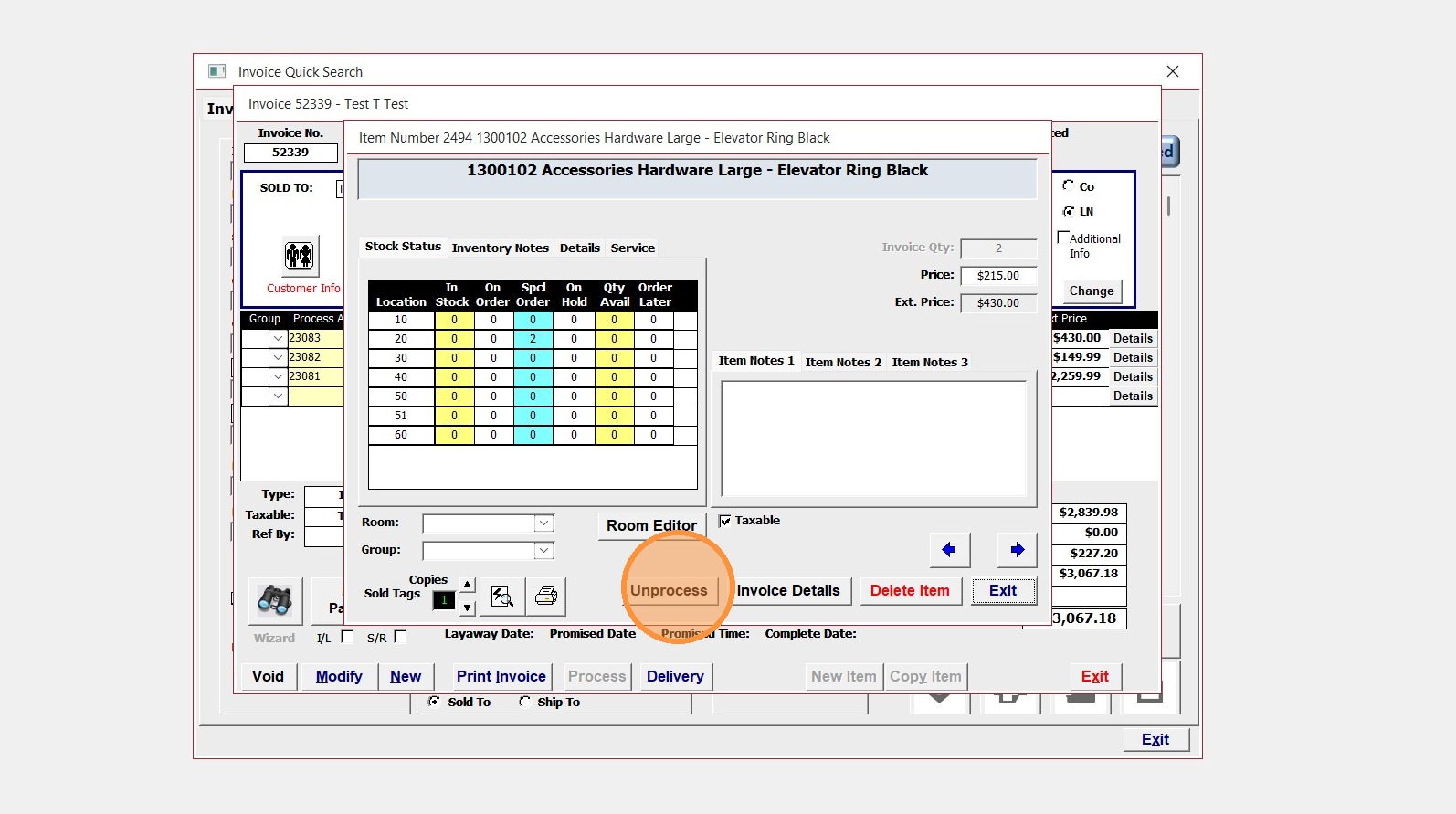
6. Once in the item details Click "Unprocess"
7. Click "Yes"
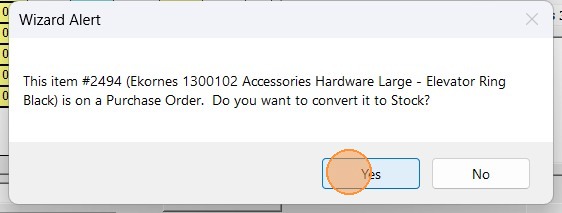
Alert: If the item is already ordered and on the way click YES
This will unlink the invoice from any existing PO
If the item is not ordered and you do not want it click NO
This will remove from any existing PO
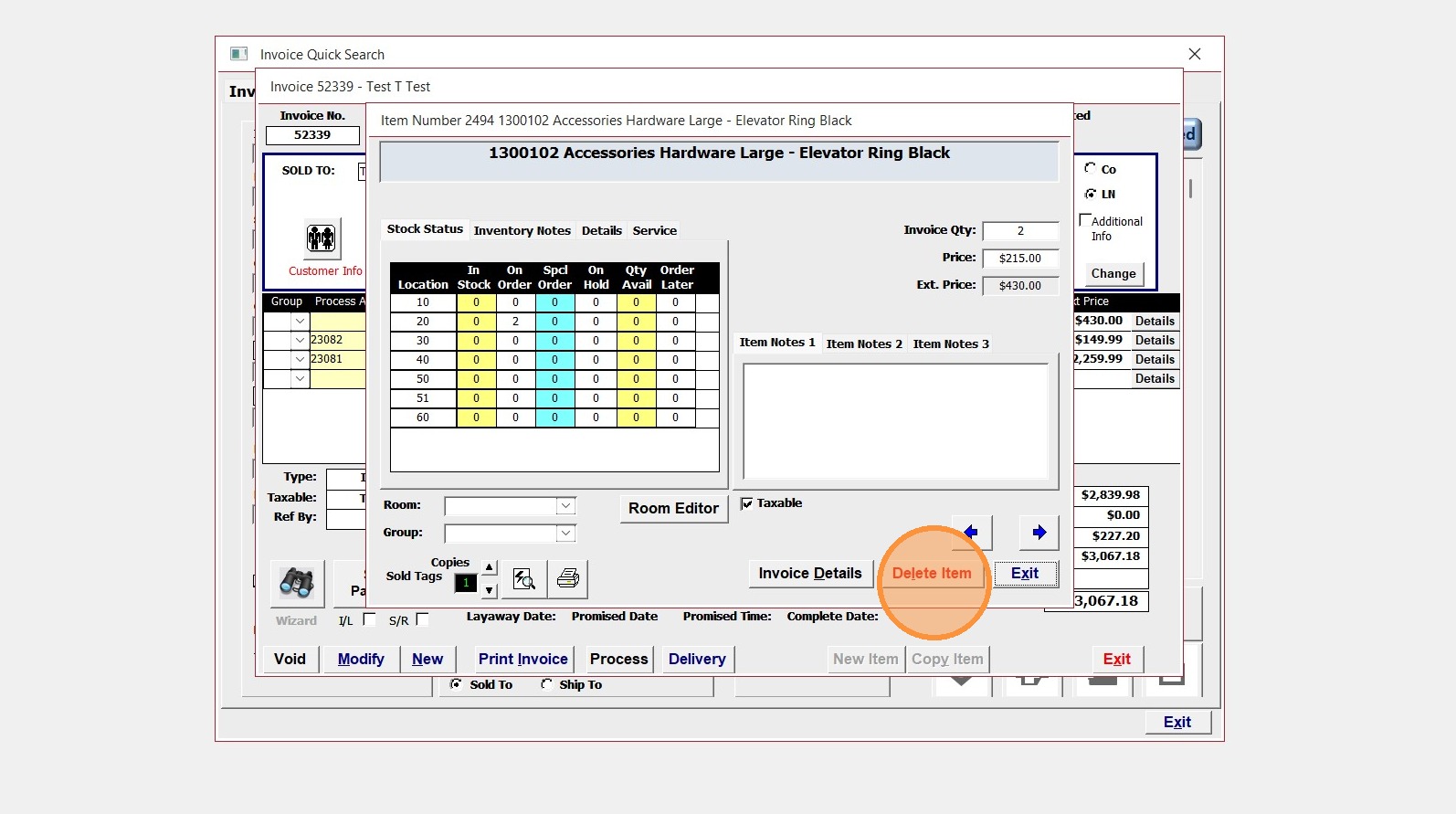
8. To fully remove the item from the invoice now click Delete
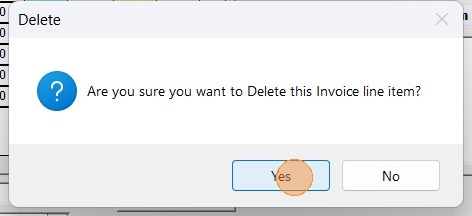
9. Click "Yes" to confirm
10. Click "Exit" to close the item details window
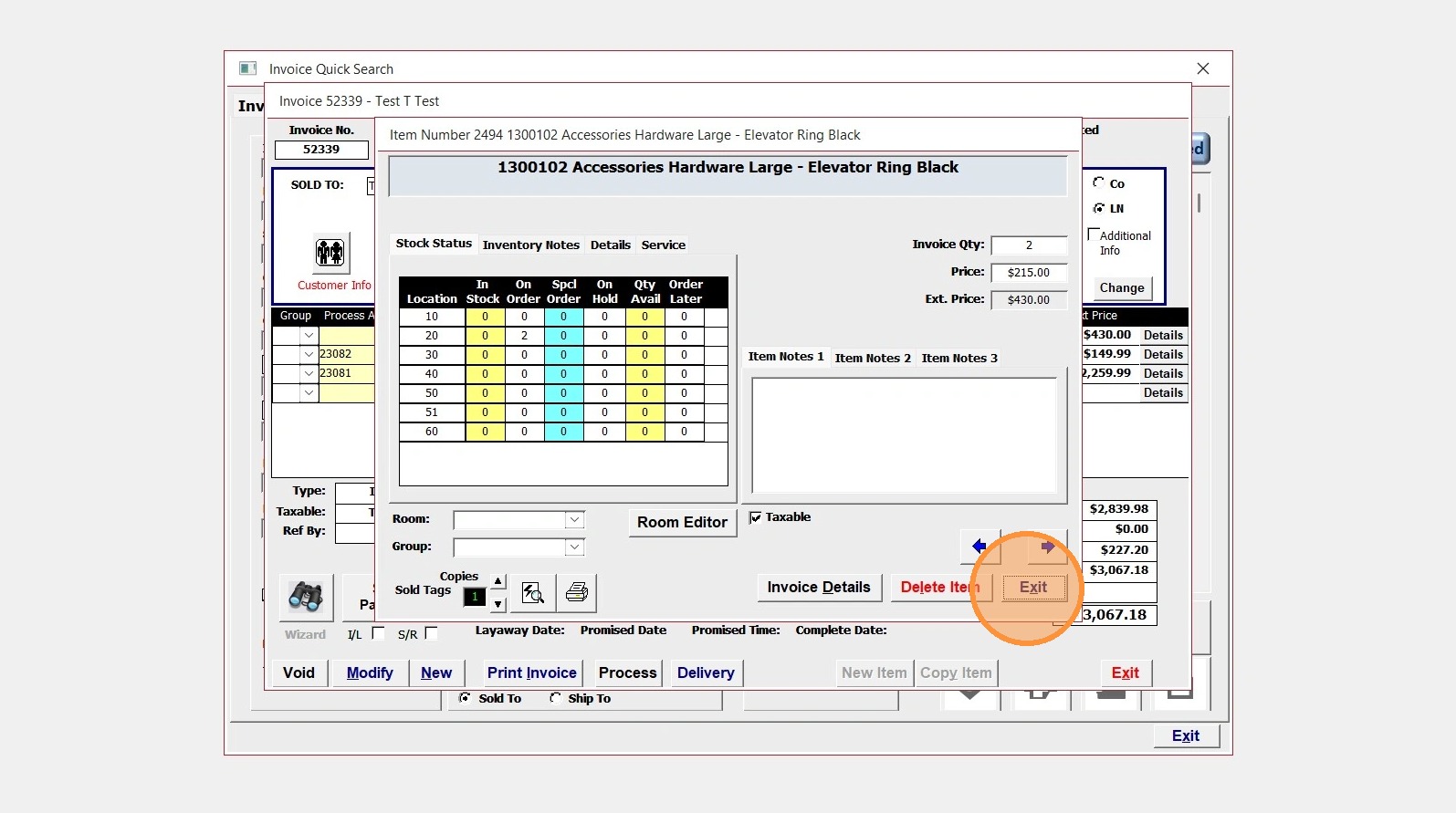
11. The item is now gone and you can click "Exit" to close the invoice