Follow this guide to effectively merge duplicate supplier records.
Supplier Menu Access
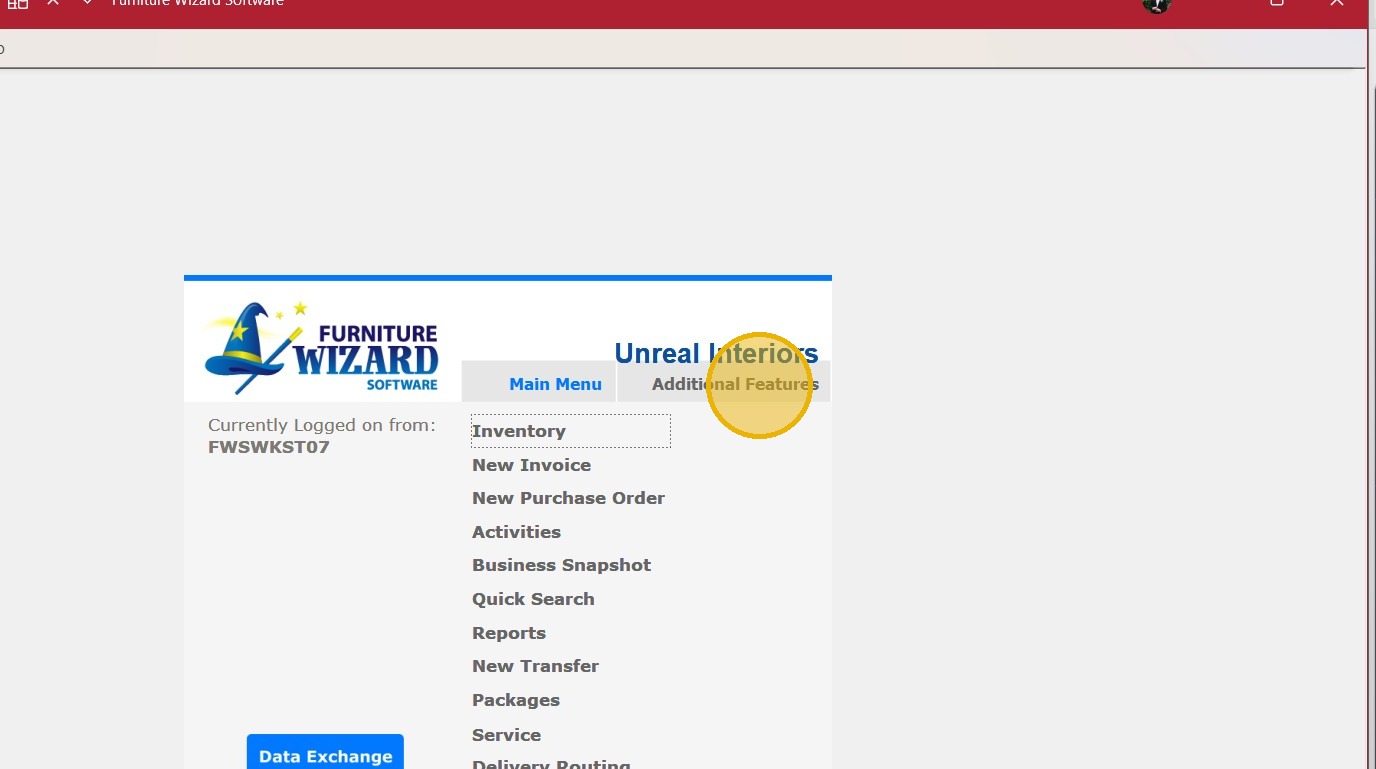
1. Select "Additional Features" tab.
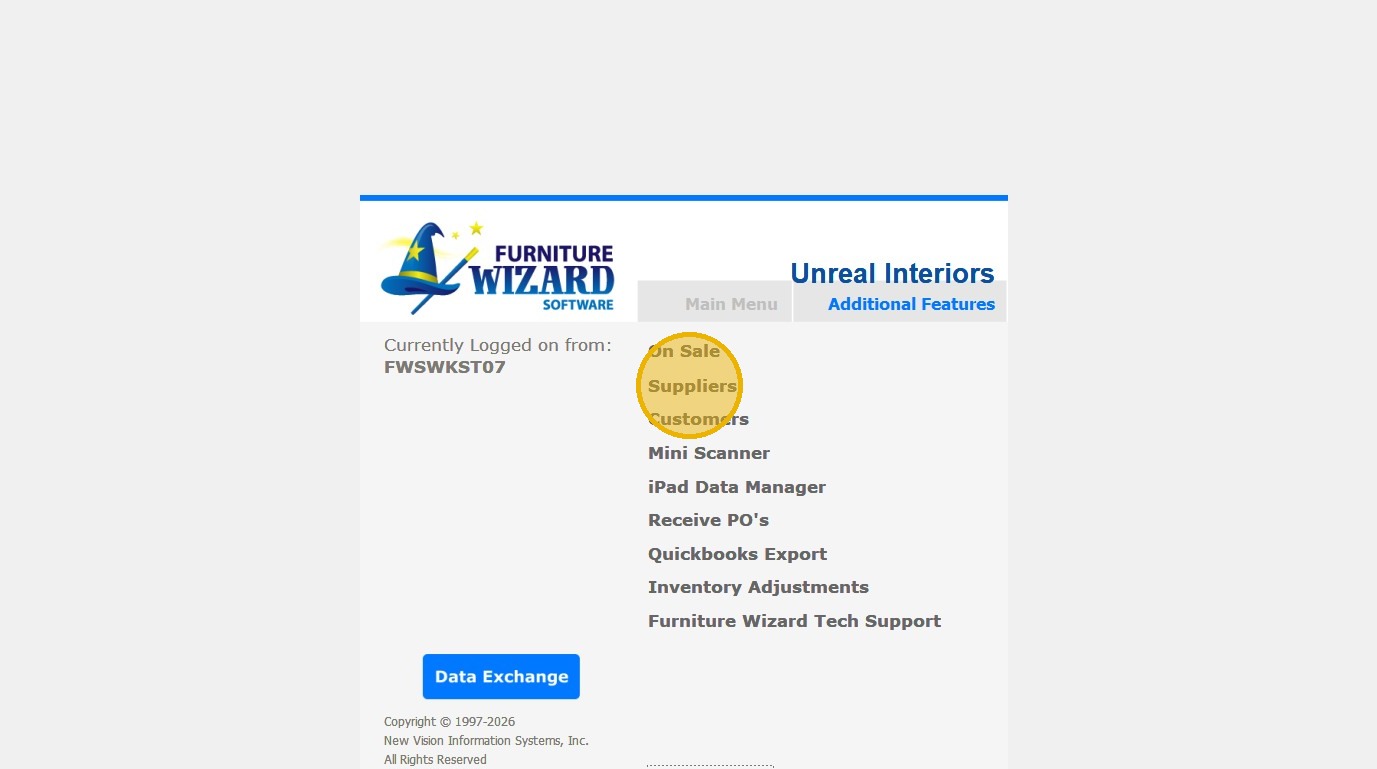
2. Select "Suppliers" from menu.
Merge Configuration
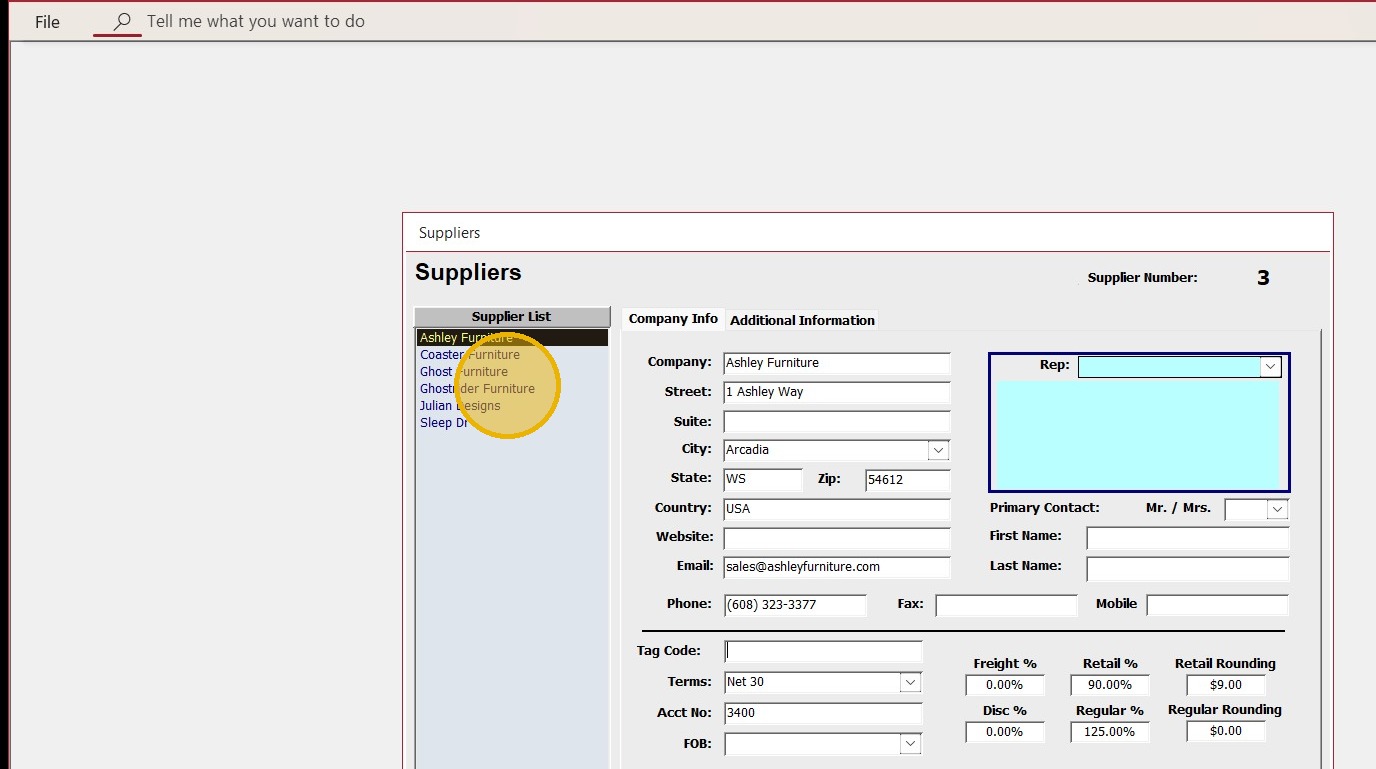
3. Select Supplier you would like to keep from Supplier List.
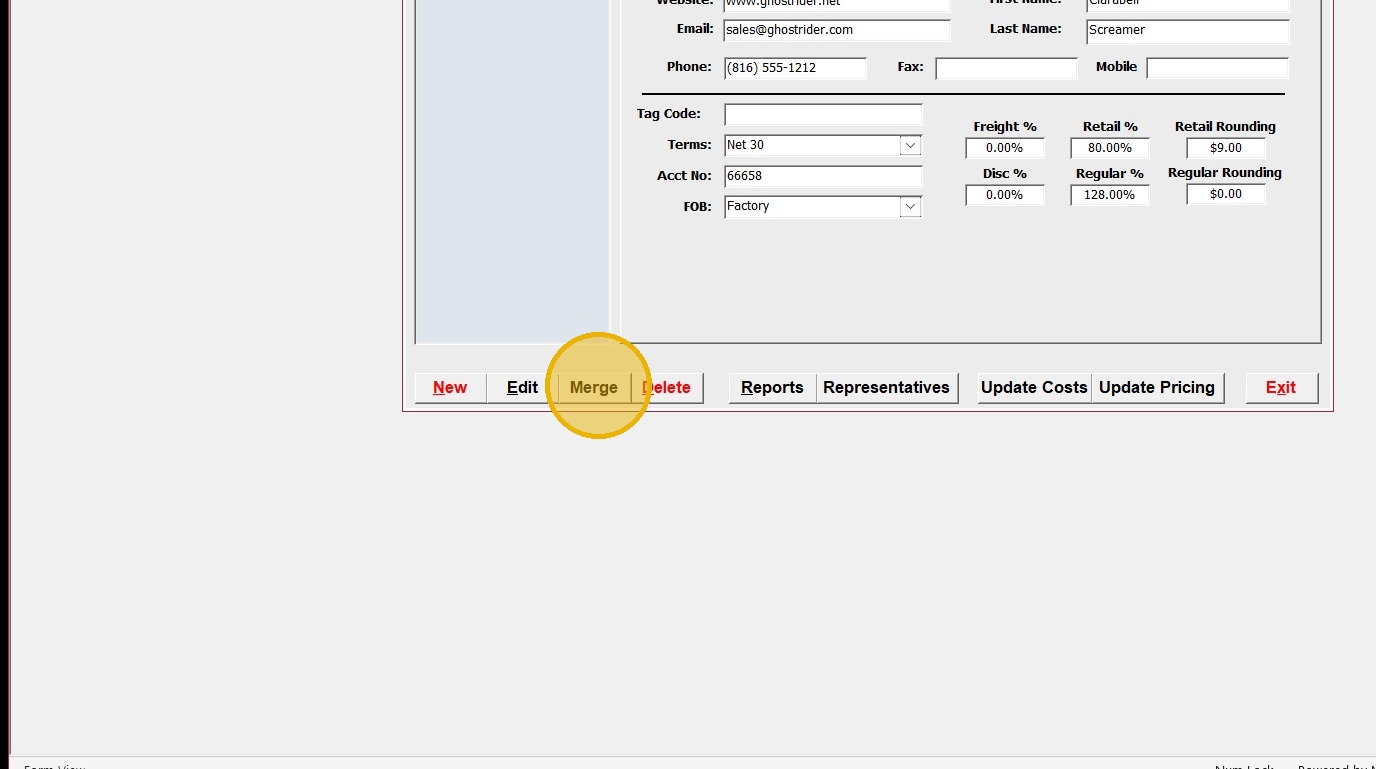
4. Click "Merge" to start merge process.
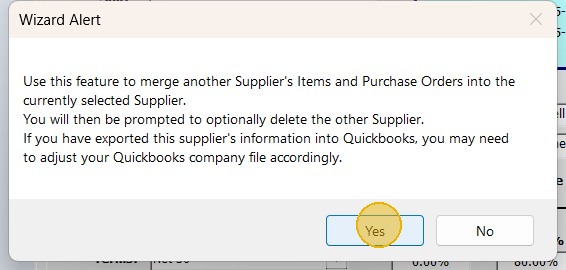
5. Click "Yes" to merge ANOTHER Supplier's items into the currently selected Supplier.

6. Select Supplier you want deleted and merged from dropdown and click "OK".
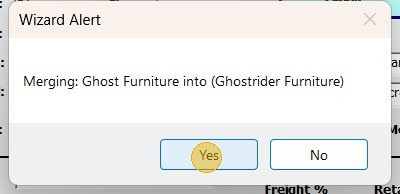
7. Click "Yes" to confirm the merge.
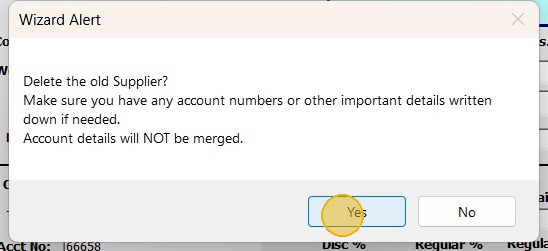
8. Click "Yes" to delete the old Supplier.
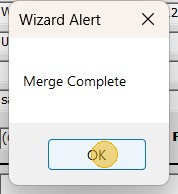
9. Click "OK" to acknowledge the merge was completed